Join the Android beta test
日本語で読むMakura Book is out on Google Play — anyone can install it. The beta track is separate: it gets new versions before they reach the public release.
What you get
- New features and fixes ahead of the public release
- Your feedback directly shapes what gets built next
- Bug reporters and feature requesters get Makura Sync free for 3 months
How to join
- Join the Google Group
Join Makura Book Beta Testers. This is required for tester enrollment. - Opt in and install
After joining the group, open the beta test page on Google Play, opt in, and install. It may take a few minutes to become available. - Start using it
See what to explore for things worth trying.
How to send feedback
Bug and problem reports
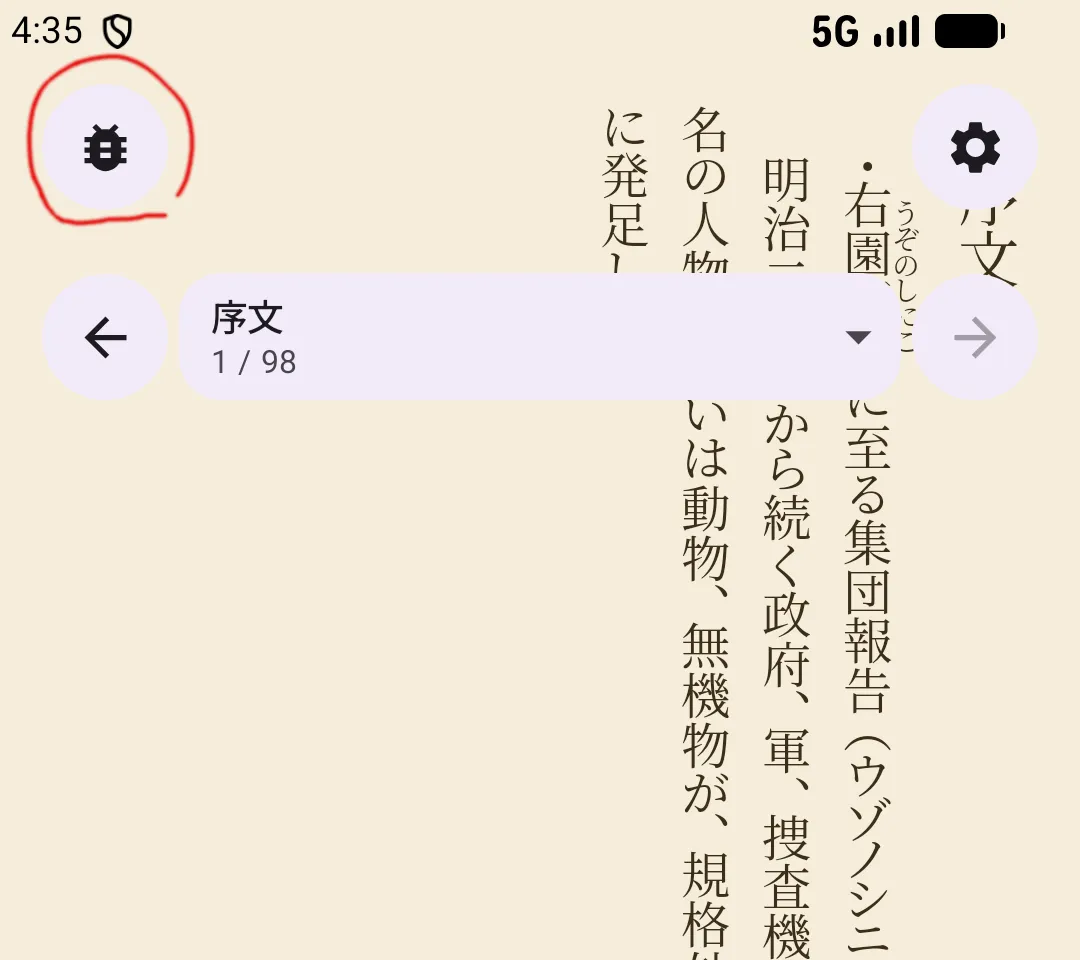
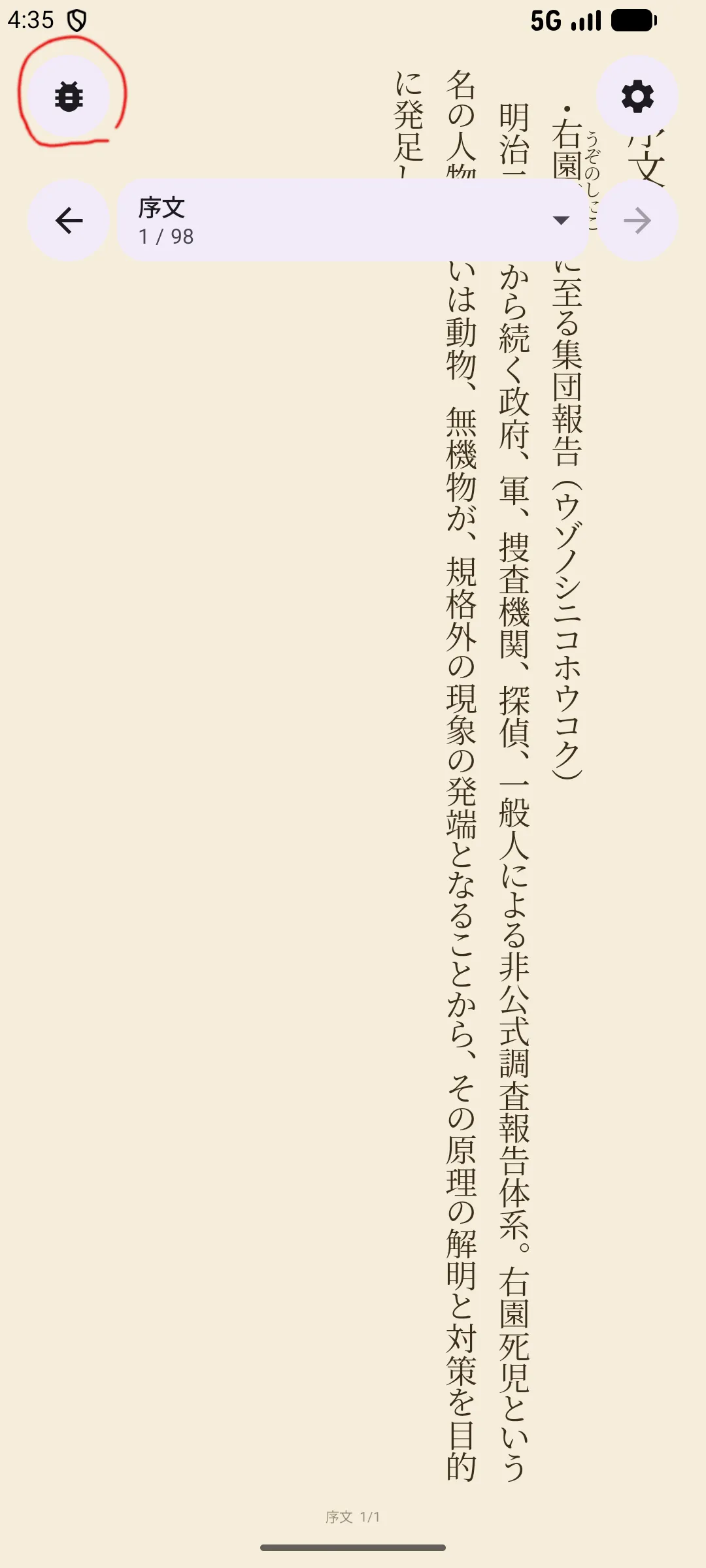
These are the preferred ways — they include device info, logs, and context that makes reproduction much easier:
- Settings → Help → Bug Report — describe the issue and send.
- While reading — tap the bug icon in the overlay (top left) → long-press to select the problematic text. The selected text and engine state are included.
Feature requests and discussion
- Google Group — post to the group.
- Email — android-beta-feedback@kotonoha.ws
Good to know
- Beta builds run ahead of the public release — expect rough edges
- Beta reviews don't appear on the public Play Store page
- You can leave the beta at any time from the opt-in page and go back to the public version